

CreateCampaigns
Build the hypeBefore the doors open
A drop starts the day you announce it. Plan the messages in the same place as the drop: the announcement, the reminder, the doors-open call and the follow-up.
Walk the week
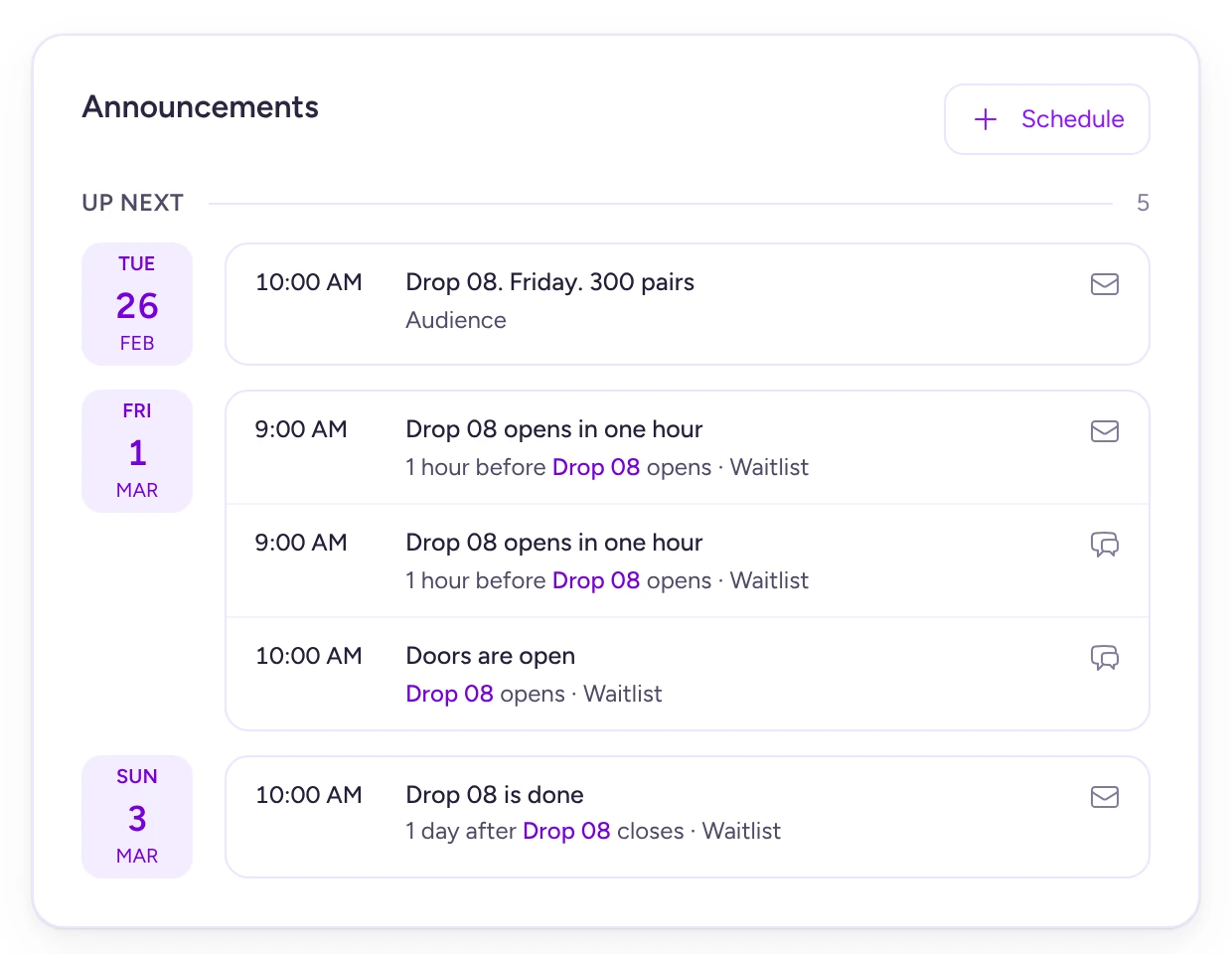
One drop, four messages. Scroll down the week and see what goes out, when, and what it's tied to.
- Tue 10:00A fixed time · Email
Announce it and start taking names
Every drop comes with a waitlist. Open it the day you announce, and the buzz turns into a list you can message.
Email from Moss Running MossDrop 08. Friday. 300 pairs
Soft Launch “Highlighter”. Doors open Friday at 10:00. Get on the waitlist and we'll shout before they do.
Join the waitlist - Fri 09:001 hour before doors · Text and email
The reminder sends itself
Tie a message to the doors and it goes to the waitlist an hour before them. Move the drop and the message moves with it.
Text from Moss Moss: Drop 08 opens in 1 hour. The line gets shuffled at 10:00, so there's no need to hover. moss.example/drop-08
- Doors · Fri 10:00At open · Text and a post
Doors open, and they know
A text lands on the waitlist's phones the moment the queue opens, and a post goes up on your Instagram, Facebook, Discord and Telegram for everyone who follows along.
Post on Moss's accounts mossrunningNow2,481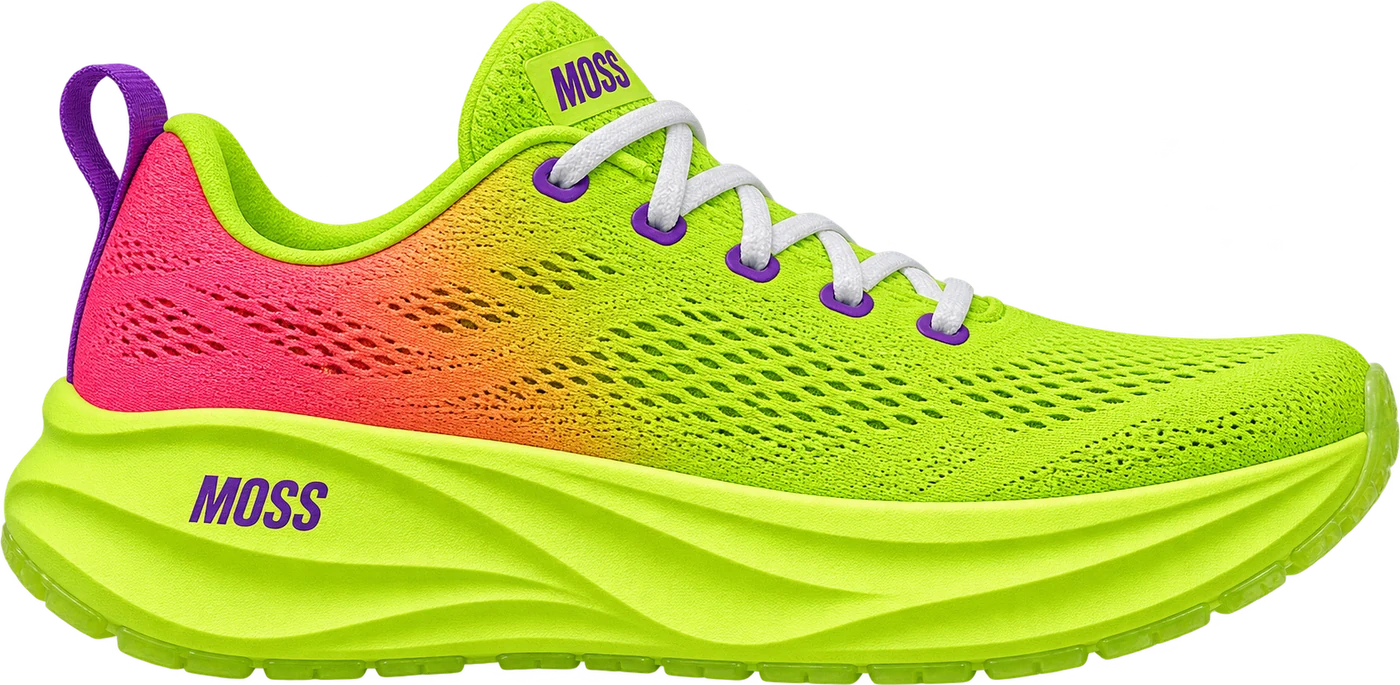 Doors open
mossrunning Doors are open. Soft Launch “Highlighter”, 300 pairs, one each. Link in bio.
- Sun 10:001 day after it closes · Email
The follow-up, the day after
Tie the last one to the close. It goes to everyone on the waitlist once the dust has settled.
Email from Moss Running MossDrop 08 is done
That went quickly. If you got one, it ships Monday. If you didn't, Drop 09 is already on the calendar.
See what's next
Pick the channel. Pick the crowd
Each message goes by email or text to a list you pick or to everyone on the waitlist, and posts go up on your own Instagram, Facebook, Discord and Telegram.
The hype leaves receipts
Who signed up, who came back and who showed up on the day all land on the fan's profile.
Ready to makeSome noise?
Enough scrolling. Book a call and we'll plan your next drop with you.